Samsung 83-Inch S85 OLED Review 2026: The Ultimate Cinema Bundle?
Transparency Disclosure: This article contains affiliate links. As an Amazon Associate, Zynuvo earns from qualifying purchases. We independently test and review high-end home theater gear to give you honest buying advice.
Samsung 83-Inch S85 OLED Review 2026: The Ultimate Cinema Bundle?
By Zynuvo | Last Updated: January 2026 | Category: TV & Home Theater
There is an old saying in the home theater world: “There is no replacement for displacement.” In other words, size matters. For years, if you wanted an 83-inch TV, you were forced to buy an old, dim LED model or spend the price of a used car on a flagship OLED.
That changes now. The Samsung 83-Inch S85 OLED Bundle (Model QN83S85FAEXZA) brings OLED perfection to a cinema-sized screen at a price that actually makes sense. But Samsung hasn’t just released a big TV; they’ve bundled it with the HW-QS700F Soundbar, creating a complete “Home Theater in a Box” solution.
With the LG C5 OLED dominating the conversation, does this Samsung giant have what it takes to win your living room? In this Samsung S85 OLED review, we test the massive screen, the AI upscaling, and the Dolby Atmos soundbar to see if this bundle is the best deal of 2026.
The Samsung S85 OLED is designed to be the “Entry-Premium” model. It uses a standard WOLED panel (similar to LG’s C-series) rather than the QD-OLED panel found in the flagship S95 series. This is a strategic move by Samsung to offer a massive 83-inch screen at a competitive price point.
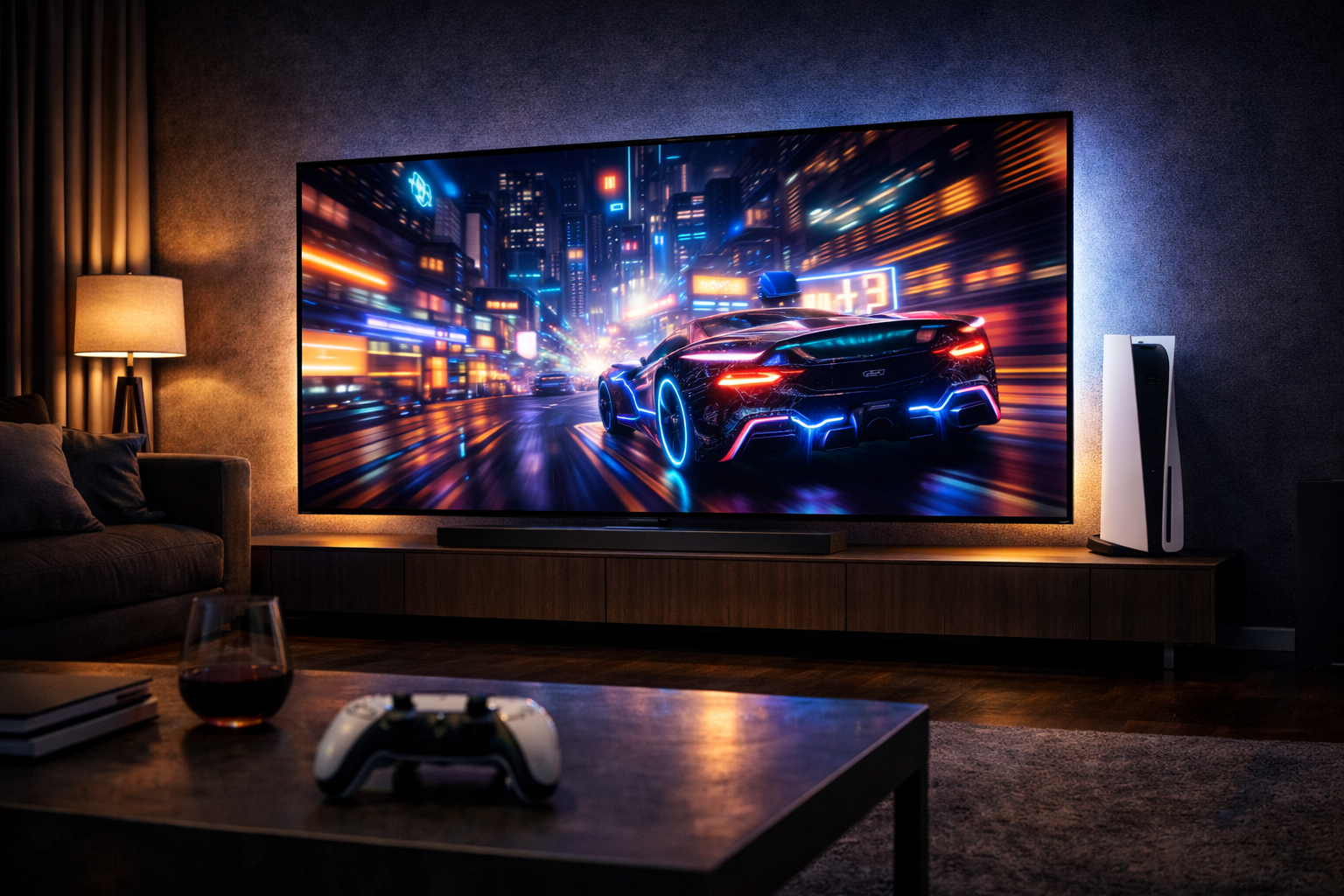
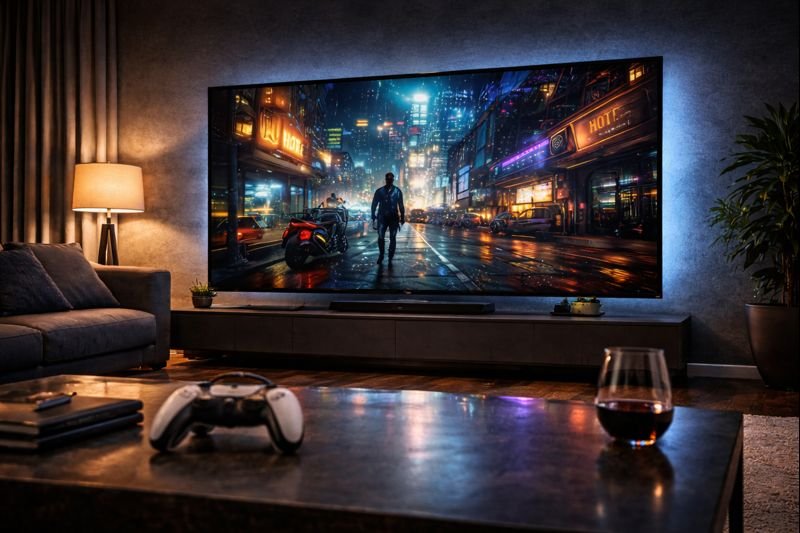
At 83 inches, this TV dominates the room. The LaserSlim design ensures it doesn’t look bulky despite its size.
The bundle we are reviewing includes the HW-QS700F 3.1.2 Channel Soundbar. This isn’t just a throwaway add-on; it features up-firing drivers for Dolby Atmos and connects wirelessly to the TV using Samsung’s Q-Symphony technology. This allows the TV speakers and the soundbar to play audio simultaneously, creating a wall of sound that matches the scale of the image.
2. Picture Quality: OLED HDR+ & AI Upscaling
When you stretch a 4K image across 83 inches, pixel density drops. This means the TV’s processor has to work harder to keep the image sharp. Fortunately, the NQ4 AI Gen2 Processor is up to the task.
Pantone Validated colors ensure skin tones look natural, avoiding the “oversaturated” look of older Samsung TVs.
Deep Blacks and Pure Color
Because it is an OLED, you get perfect blacks. In scenes from space movies or dark thrillers, the letterbox bars disappear into the darkness of your room. The OLED HDR+ technology analyzes each scene to boost brightness in highlights while maintaining deep shadows.
Upscaling Performance: We tested the TV with 720p sports broadcasts. The AI processor does a phenomenal job of smoothing out jagged edges and reducing noise. While it’s not quite as sharp as the flagship S95 series, it is miles ahead of budget 85-inch LED TVs.
💡 Pro Tip: Filmmaker Mode
Out of the box, Samsung TVs usually have “Motion Smoothing” (Soap Opera Effect) turned on. For the best cinematic experience, switch the picture mode to Filmmaker Mode. This disables smoothing and ensures you see movies exactly as the director intended.
3. The Soundbar Bundle: Q-Symphony Magic
Most thin TVs sound terrible. Physics dictates that you can’t get big bass from a 5mm chassis. This is why the HW-QS700F Bundle is so valuable.
The included subwoofer provides the rumble you need for action movies, filling large rooms with ease.
What is Q-Symphony?
Usually, when you connect a soundbar, the TV speakers turn off. With Q-Symphony, the TV’s top speakers work with the soundbar. The soundbar handles the mids and bass, while the TV handles dialogue and height effects. The result is a soundstage that feels taller and wider.
The soundbar itself is a 3.1.2 channel system, meaning it has a center channel for clear dialogue and two up-firing speakers that bounce sound off the ceiling for Dolby Atmos effects. It transforms the viewing experience from “watching TV” to “being in a theater.”
4. Gaming Performance: 120Hz on a Giant Screen
Playing video games on an 83-inch OLED is a religious experience. The immersion is total. Whether you are using a PS5, Xbox Series X, or a PC, the Samsung S85 is ready.
Motion Xcelerator 120Hz: Ensures smooth motion with practically zero blur.
Auto Game Mode (ALLM): The TV automatically detects when you launch a game and minimizes input lag.
Samsung Gaming Hub: You can stream Xbox Game Pass, GeForce Now, and Luna directly to the TV without a console. Just pair a Bluetooth controller.
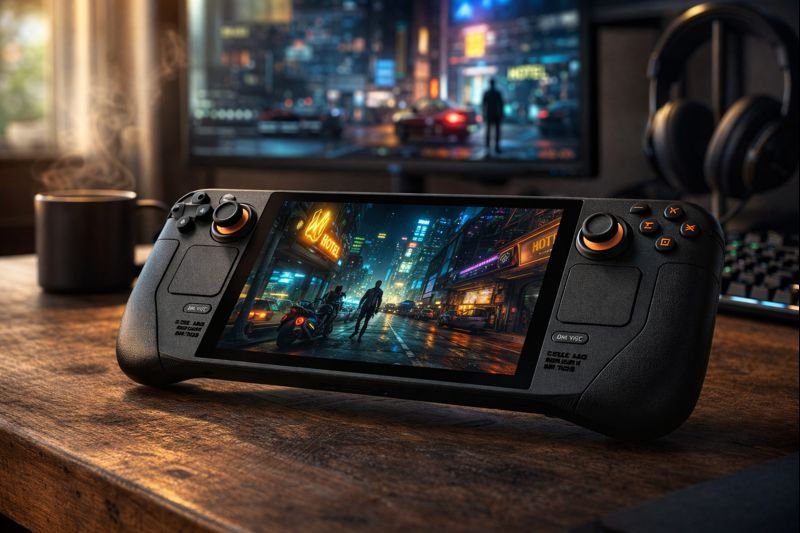
If you own a Steam Deck OLED or ROG Ally, docking them to this TV creates the ultimate oversized arcade cabinet. The vibrant colors and fast response times make it ideal for everything from Call of Duty to Mario Kart.
5. Design: LaserSlim Architecture
Samsung calls the design LaserSlim, and for good reason. The panel is impossibly thin, widening only at the bottom to house the ports and processor. The bezel is virtually non-existent.
The stand is simple and sturdy, but this TV begs to be wall-mounted for that “floating window” effect.
Note: Due to the sheer size (83 inches), wall mounting is highly recommended but requires a heavy-duty mount and two strong people. The bundle does not include a wall mount.
6. Smart Features: Tizen OS & SmartThings
The TV runs on the latest version of Tizen OS. It is fast, responsive, and packed with apps. It also acts as a hub for your smart home via SmartThings. You can see who is at the front door (via a Ring camera) in a picture-in-picture window while watching a movie.
The remote is SolarCell powered. It charges via indoor light or radio waves from your Wi-Fi router, so you never have to buy AAA batteries again. It’s a small detail, but a brilliant one.
7. Samsung S85 OLED Bundle Specifications
Screen Size
83 Inches (Class)
Panel Type
OLED (WOLED)
Resolution
4K UHD (3840 x 2160)
Refresh Rate
120Hz Native (Motion Xcelerator)
Processor
NQ4 AI Gen2 Processor
HDR Support
HDR10+, HLG (No Dolby Vision)
Soundbar Included
HW-QS700F (3.1.2 Ch Dolby Atmos)
VRR Support
FreeSync Premium, HDMI VRR
8. Pros & Cons Verdict
Is the bundle worth the price? Here is the breakdown.
The Good (Pros)
The Bad (Cons)
Value: Getting an 83″ OLED + Atmos Soundbar is a steal.
Q-Symphony: The audio integration is seamless and powerful.
Gaming: 4K 120Hz support is perfect for PS5/Xbox.
Upscaling: AI processor makes HD content look great at 83″.
No Dolby Vision: Samsung still refuses to support it.
Brightness: Not as bright as the S95 QD-OLED series.
Size: Delivery and setup require serious planning.
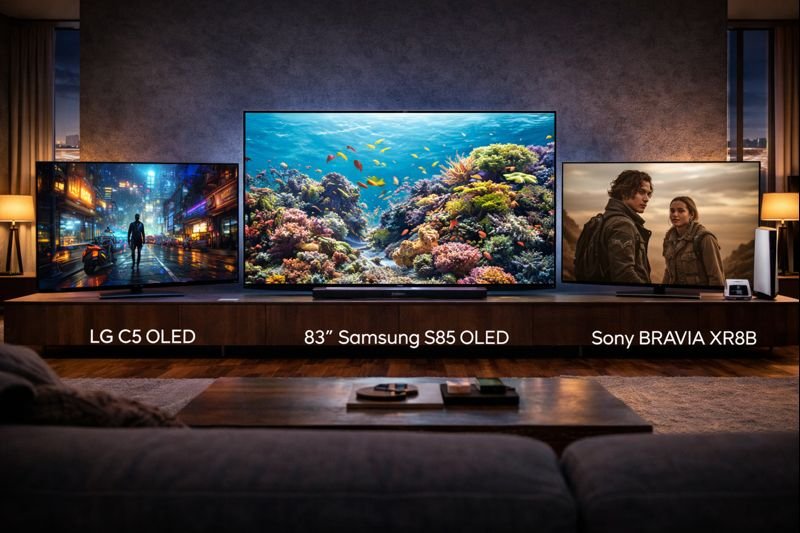
9. Samsung S85 vs. LG C5 vs. Sony Bravia 8
The 83-inch market is competitive. Here is how the S85 stacks up.
Buy the Samsung S85 Bundle if: You want a complete “Turnkey” cinema solution. The included soundbar makes it a better value proposition than buying a TV and audio separately. It’s fantastic for mixed usage (Movies + Sports).
Buy the LG C5 OLED if: You strictly need Dolby Vision support or need 4 full HDMI 2.1 ports for multiple consoles. The LG C5 is slightly brighter but usually more expensive at this size.
Buy the Sony Bravia 8 if: You have an unlimited budget and prioritize Sony’s specialized processing for movies.
Does the Samsung S85 OLED have burn-in protection?
Yes. Samsung uses “Pixel Shift” technology to imperceptibly move the image slightly every few minutes to prevent static elements (like logos) from burning in. It also detects static logos and dims them automatically.
Do I need a separate receiver for the soundbar?
No. The included HW-QS700F soundbar is active, meaning it has its own amplifier built-in. You simply plug it into power and connect it to the TV via the included HDMI eARC cable or wirelessly via Wi-Fi.
Why doesn’t Samsung support Dolby Vision?
Samsung champions its own open-source dynamic HDR format called HDR10+. While Dolby Vision content will still play on this TV, it will fallback to standard HDR10. However, Samsung’s tone mapping is so good that most users won’t notice the difference.
🎬 Home Theater Goals
Is 83 inches the new standard, or is it too big for your room?
Comment below: What movie would you watch first on this screen?
🚀 TV Bundle Deal Alerts!
Bundles like this often have flash sales. We track them instantly.
[…] SMPTE cinema standards to calculate the perfect size for your room, helping you decide between the massive 83″ Samsung S85, the versatile LG C5, or the standard 65″ […]
[…] In this Sony BRAVIA XR8B OLED review, we test the TV’s gaming chops, its cinema performance, and whether this bundle offers better value than piecing together a setup with an LG C5 or Samsung S85. […]






[…] SMPTE cinema standards to calculate the perfect size for your room, helping you decide between the massive 83″ Samsung S85, the versatile LG C5, or the standard 65″ […]
[…] In this Sony BRAVIA XR8B OLED review, we test the TV’s gaming chops, its cinema performance, and whether this bundle offers better value than piecing together a setup with an LG C5 or Samsung S85. […]