ASUS ROG Ally Review 2026: The Windows Handheld King?
Transparency Disclosure: This article contains affiliate links. As an Amazon Associate, Zynuvo earns from qualifying purchases. We prioritize unbiased testing of the best handheld gaming systems to help you choose the right console.
ASUS ROG Ally Review 2026: The Windows Handheld King?
By Zynuvo | Last Updated: January 2026 | Category: Game Systems
Welcome to our deep-dive ASUS ROG Ally review. For years, PC gamers dreamed of a device that could play their entire library—Steam, Epic, Xbox Game Pass, Battle.net—without compromise. While the Steam Deck proved handheld PC gaming was viable, it was walled off in its own Linux garden. Enter the ASUS ROG Ally.
Running full Windows 11 and powered by the ferocious AMD Ryzen Z1 Extreme chip, the ROG Ally promises to be the “do-everything” console. Moreover, it boasts a 120Hz Variable Refresh Rate (VRR) screen that puts other handhelds to shame and offers native compatibility with every game launcher in existence.
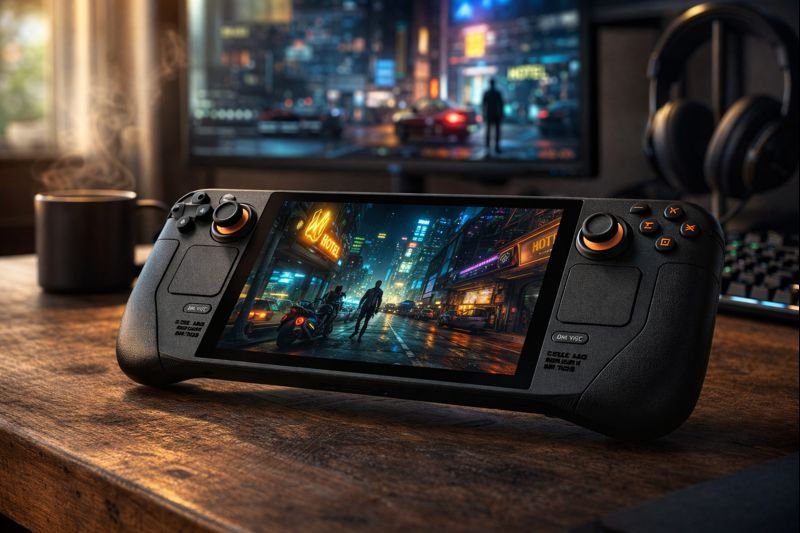
But in 2026, with the Valve Steam Deck OLED offering incredible battery life and refined ergonomics, does raw power trump usability? In this ASUS ROG Ally review, we test the Z1 Extreme model to see if it’s the true king of portable gaming or just a powerful prince with battery anxiety.
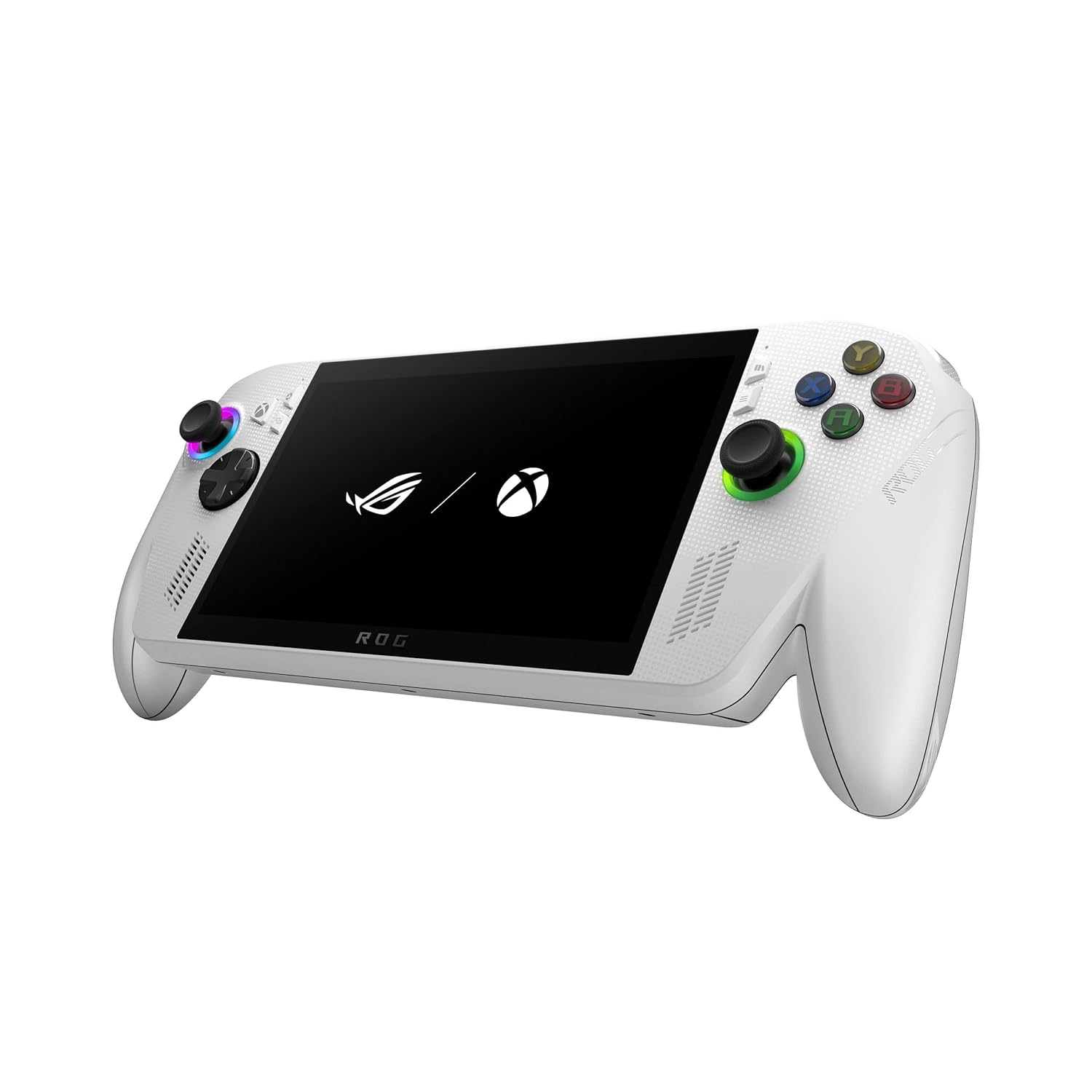
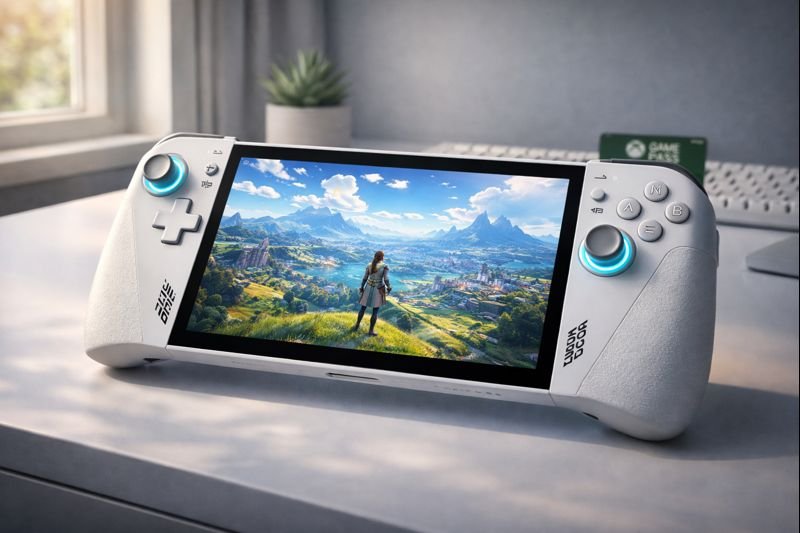
The ASUS ROG Ally (Model RC71L) is striking. Clad in stark white with RGB lighting around the thumbsticks, it looks decidedly “gamer” compared to the utilitarian black plastic of its competitors. However, this design isn’t just for show.
The angular design is lighter than it looks, weighing in at just 608 grams.
Under the hood lies the AMD Ryzen Z1 Extreme processor. This isn’t a mobile phone chip; it’s a laptop-class APU based on the Zen 4 architecture. Combined with 16GB of fast LPDDR5 memory, it aims to deliver 1080p gaming in the palm of your hands.
Unlike the Steam Deck, which relies on a compatibility layer called Proton to run Windows games, the ROG Ally is a Windows PC. Consequently, you face minimal anti-cheat issues for games like Call of Duty, FIFA, or Destiny 2. If it runs on your desktop, it runs here.
2. ASUS ROG Ally Review: The 120Hz VRR Screen
While the processor gets all the marketing hype, the display is the real hero of this ASUS ROG Ally review. It features a 7-inch 1080p IPS panel. You might think, “It’s not OLED, so it’s worse,” but you would be wrong.
The screen hits 500 nits of brightness, making it easier to see outdoors than the original Steam Deck.
Why VRR (Variable Refresh Rate) Matters
The ROG Ally supports FreeSync Premium. This is crucial for handhelds. In modern AAA games, your frame rate will fluctuate—maybe dipping from 60fps to 45fps during an explosion. On a standard screen, this dip causes screen tearing or stuttering.
With VRR, the screen matches its refresh rate to the game’s frame rate instantly. The result is a game running at 45fps feels buttery smooth, almost like 60fps. Therefore, it effectively “hides” performance dips, making the Ally feel much more powerful than it is.
3. Performance: The Power of Ryzen Z1 Extreme
The Z1 Extreme chip is a beast. In “Turbo Mode” (25W plugged in), the ROG Ally punches significantly above its weight class, often outperforming the Steam Deck by 20-30% in raw frame rates at 720p, and making 1080p gaming viable.
The dual-fan cooling system keeps the device surprisingly quiet, even under heavy load.
Real-World Gaming Tests
Cyberpunk 2077 (Low, FSR Balanced): Averages 45-50 FPS. Playable and smooth thanks to VRR.
Diablo IV (Medium): A solid 60 FPS experience that looks stunning on the 1080p screen.
Call of Duty: Modern Warfare III: Runs natively without anti-cheat issues, hitting 60+ FPS in multiplayer.
💡 Pro Tip: The Battery Reality
High performance comes at a cost. In Turbo Mode (25W), the battery will die in under an hour. To use this device effectively, you absolutely need one of the best portable power stations or a high-wattage power bank (65W+) in your backpack.
4. The Windows 11 Experience: Blessing or Curse?
Windows 11 is the ROG Ally’s superpower and its kryptonite. Because it is Windows, you can install PC Game Pass, Battle.net, Epic Games Store, GOG, and even emulators without any Linux hacking. Furthermore, you get 3 months of Xbox Game Pass Ultimate included, which is an incredible value.
However, Windows is not designed for a 7-inch touchscreen. Navigating menus can be fiddly, the on-screen keyboard doesn’t always pop up when you need it, and “Modern Standby” (sleep mode) drains the battery faster than SteamOS’s deep sleep.
Armoury Crate SE
To mitigate this, ASUS created Armoury Crate SE, a software overlay that acts as your console dashboard. It gathers all your installed games from different launchers into one grid. Additionally, it allows you to tweak TDP (wattage), fan curves, and RGB lighting on the fly. Fortunately, it has improved significantly since launch and makes the device feel much more like a console.
5. Design, Ergonomics, and Audio
The Ally uses an Xbox-style asymmetrical thumbstick layout, which many western gamers prefer over the symmetrical PlayStation/Steam Deck layout. The unit is lighter than the Steam Deck (608g vs ~640g), which makes a difference during long sessions.
The white textured grips help prevent slipping, though they can show dirt over time.
Audio: The front-firing Dolby Atmos speakers are phenomenal. They are loud, clear, and provide a surprising amount of spatial separation. If you are playing in a quiet room, you won’t even need headphones. In contrast, for public play, pairing it with the best noise-canceling headphones is recommended to block out fan noise in Turbo mode.
6. ASUS ROG Ally Specifications
Processor
AMD Ryzen Z1 Extreme (8 cores, 16 threads)
GPU
AMD RDNA 3 (12 CUs, up to 2.7GHz)
RAM
16GB LPDDR5 (6400 MT/s)
Storage
512GB PCIe 4.0 NVMe SSD (User Upgradeable)
Display
7″ IPS, 1920×1080, 120Hz, FreeSync Premium
Battery
40Whr
OS
Windows 11 Home
7. Pros & Cons Verdict
Is the ROG Ally right for you? Here is the breakdown.
The Good (Pros)
The Bad (Cons)
Screen: 120Hz VRR is the smoothest experience in handhelds.
Compatibility: Plays Game Pass and Anti-Cheat games natively.
Power: Significantly faster than Steam Deck at 15W+.
Quiet: Excellent cooling system.
Battery: Poor battery life (often < 1.5 hours in AAA games).
Windows: The OS can still be clunky on a touchscreen.
SD Card: Known issues with the reader overheating.
8. ROG Ally vs. Steam Deck OLED
The comparison comes down to one question: What do you want to play?
Choose the Steam Deck OLED if: You prioritize battery life, deep blacks (OLED), ease of use (Console UI), and mostly play games on Steam.
Choose the ASUS ROG Ally if: You prioritize high frame rates (120Hz), want to play PC Game Pass / Call of Duty / Fortnite natively, and usually play near a power outlet.
Yes, early units had a design flaw where the SD card reader was too close to the heat exhaust, causing cards to malfunction. ASUS has updated the fan curves in BIOS updates to reduce this risk. However, many users recommend upgrading the internal SSD (which is easy to do) rather than relying on SD cards for heavy games.
Can I use the ROG Ally as a desktop PC?
Absolutely. Since it runs Windows 11, you can dock it to a monitor, add a mouse and keyboard, and use Word, Excel, Photoshop, or web browsers just like a standard laptop. It is powerful enough for 4K video editing and productivity tasks.
How do I improve battery life on the ROG Ally?
Don’t run in “Turbo” (25W/30W) mode unless plugged in. Use the “Performance” (15W) or a manual 18W profile for the best balance. Also, limit the frame rate to 45fps or 60fps, turn screen brightness down, and turn off RGB lighting to squeeze out extra minutes.
Is the Z1 Extreme worth it over the regular Z1 model?
Yes, unequivocally. The non-Extreme Z1 model is significantly weaker (fewer GPU cores) and struggles with modern games. The price difference is often small, but the performance gap is massive. Always buy the Z1 Extreme version.
🎮 The Windows Handheld Era
Are you willing to trade battery life for the freedom of Windows 11?
Comment below: Would you play Call of Duty on this?
🚀 Get Gaming Handheld Deal Alerts!
The ROG Ally goes on sale frequently. Don’t miss the next price drop.