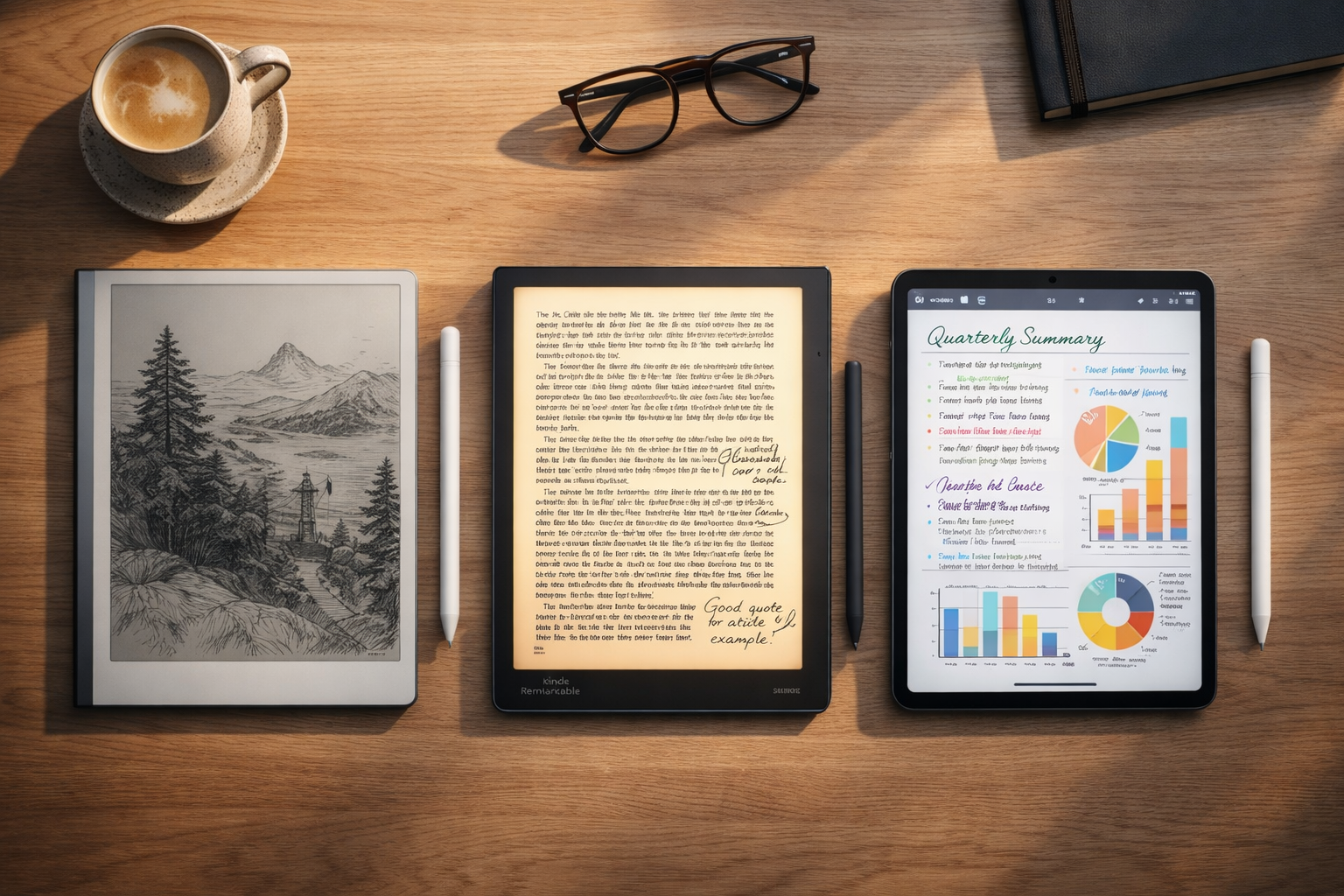

ReMarkable 2 vs. Kindle Scribe vs. iPad: Best Digital Notebooks for 2026 Productivity
In 2026, the battle for your attention is fiercer than ever. We are drowning in notifications, emails, and “doom scrolling.” This has led to a massive resurgence in handwriting—but not on paper. The “Digital Notebook” revolution is here, promising the focus of paper with the convenience of the cloud.
But which device deserves a spot in your bag? Is it the famously distraction-free ReMarkable 2? The reader-friendly Amazon Kindle Scribe? Or the do-it-all Apple iPad (2025)?
In this head-to-head comparison, we break down the writing feel, battery life, and productivity features of the top three contenders to help you decide which one will actually help you get work done.
Jump to Comparison Table📖 Table of Contents
1. ReMarkable 2: The Focus Master
The ReMarkable 2 bills itself as “the only tablet that feels like paper.” And they aren’t lying. If your primary goal is to think, write, and sketch without a single notification popping up to ruin your flow, this is the gold standard.

The “Paper” Feel
The screen has a unique textured friction that mimics the scratch of a pencil on paper. It uses E-Ink technology, meaning there is no backlight glaring into your eyes. It is strictly for writing and reading PDFs/EPUBs. There is no web browser, no email client, and no social media. That is a feature, not a bug.
| The Good (Pros) | The Bad (Cons) |
|---|---|
|
|
2. Amazon Kindle Scribe: The Reader’s Choice
If you already live in the Amazon ecosystem, the Kindle Scribe is the logical upgrade. It takes everything you love about the Kindle Paperwhite—the 300ppi sharp screen, the massive library, the warm backlight—and adds a stylus.

Reading Meets Writing
Unlike the ReMarkable, the Scribe has a front light, so you can read and write in bed. The writing experience is smooth, feeling more like a gel pen on glossy paper. Its biggest strength is the ability to write “Sticky Notes” directly inside millions of Kindle books, making it the ultimate tool for students and avid readers.
| The Good (Pros) | The Bad (Cons) |
|---|---|
|
|
3. iPad (2025): The “Do-Everything” Powerhouse
Let’s be honest: sometimes you need more than just a notebook. The iPad (2025 model with A16 chip) is a computer disguised as a tablet. With a vibrant color LCD screen, it can run Excel, Zoom, Netflix, AND take notes.

The Budget Hack: Don’t Buy the Apple Pencil
The iPad is powerful, but buying it plus an official Apple Pencil gets expensive. Here is a pro tip for 2026: You don’t need the $100 Apple Pencil for note-taking.
We recommend pairing the iPad with a dedicated 3rd Party Stylus. It offers palm rejection and tilt sensitivity for a fraction of the cost, making the total iPad package much more affordable.
| The Good (Pros) | The Bad (Cons) |
|---|---|
|
|
4. Head-to-Head Comparison
Here is how the specs line up side-by-side.
| Feature | ReMarkable 2 | Kindle Scribe | iPad (2025) |
|---|---|---|---|
| Screen Type | Monochrome E-Ink | Monochrome E-Ink | Color Liquid Retina |
| Writing Feel | ⭐⭐⭐⭐⭐ (Paper-like) | ⭐⭐⭐⭐ (Smooth) | ⭐⭐⭐ (Glassy) |
| Backlight | No | Yes (Warm Light) | Yes (LCD) |
| Battery Life | ~2 Weeks | ~3 Weeks | ~10 Hours |
| Best For | Pure Focus | Reading + Notes | Everything |
5. Final Verdict: Who Wins?
- Choose the ReMarkable 2 if: You are a writer, thinker, or executive who needs to disconnect to focus. The writing feel is unbeatable.
- Choose the Kindle Scribe if: You are an avid reader who wants to annotate books and keep handwritten journals in one device.
- Choose the iPad (2025) if: You need one device to rule them all. Combine it with this Affordable Stylus for the best value setup.
6. Frequently Asked Questions (FAQ)
Does the ReMarkable 2 have a backlight?
Can I convert handwriting to text on these devices?
Do I need a subscription?
✍️ Paper or Digital?
Are you ready to ditch the Moleskine notebooks, or is paper still king?
Comment below: Which device fits your workflow best?
🚀 Tech Deals Alert!
We track price drops on iPads and E-Ink tablets daily. Join our Telegram.
🇺🇸 Join USA Deals Channel 🇪🇺 Join Europe Deals Channel
Start Your Own Tech Review Site!
Review gadgets and earn income. Start your blog today with up to 75% off hosting.
Claim Hostinger Discount